rapvid / Writing room Words first
Diss Track Generator
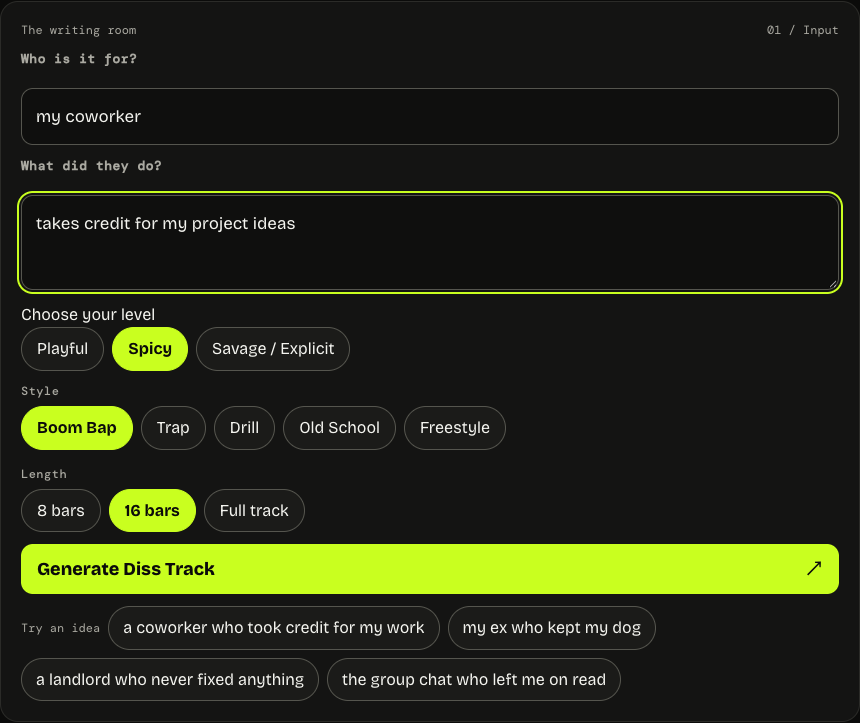
Describe what happened, choose your tone, and get diss lyrics you can edit.
Free · No sign-up · English recommended · Text onlyUsage limits apply. This tool writes lyrics, not a recorded track or beat.
What Is a Diss Track Generator?
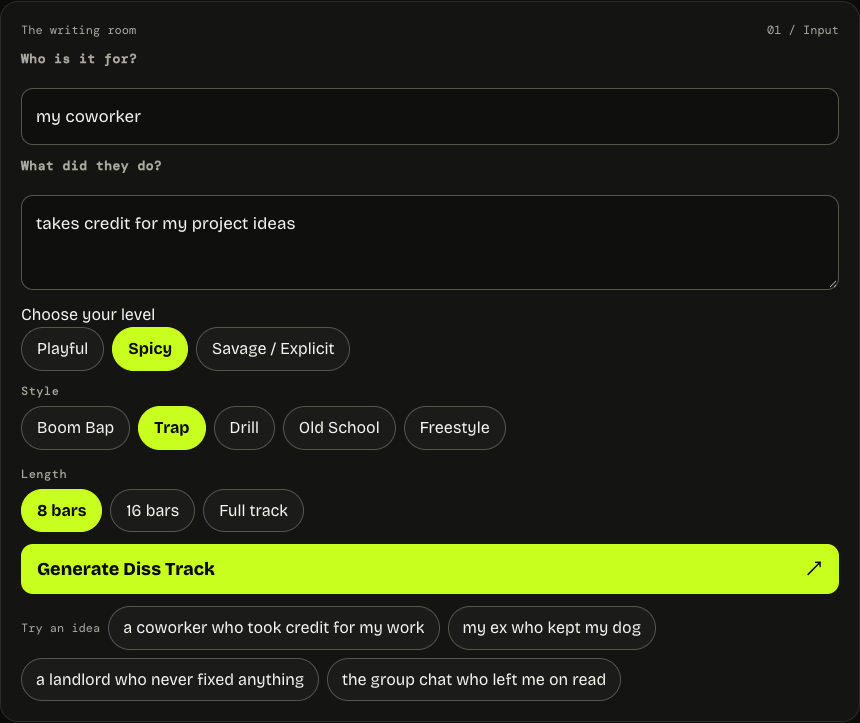
A diss track generator turns a situation into bars you can edit and perform. Describe who the verse is for using a relationship, and tell the tool what happened. Choose a style, length and level to shape your draft. A concrete incident gives the writing something to respond to, whether the subject is a missed message or someone taking credit for your work. The tool turns those details into a verse rather than a list of insults.
Keep your prompt fictional or descriptive and leave out names and private information. Read the draft aloud and revise it to fit your voice and delivery. You might look for an AI diss track generator when you have a scene but need a first draft. A diss lyrics generator focuses on the words; a diss track lyrics generator gives you a verse to shape into your own response. Neither creates a recorded track.
How to Make a Diss Track in 3 Steps
Use the diss track generator to turn a fictional situation into a draft in three steps.
- Say who it's for and what happened.
- Pick your level and style.
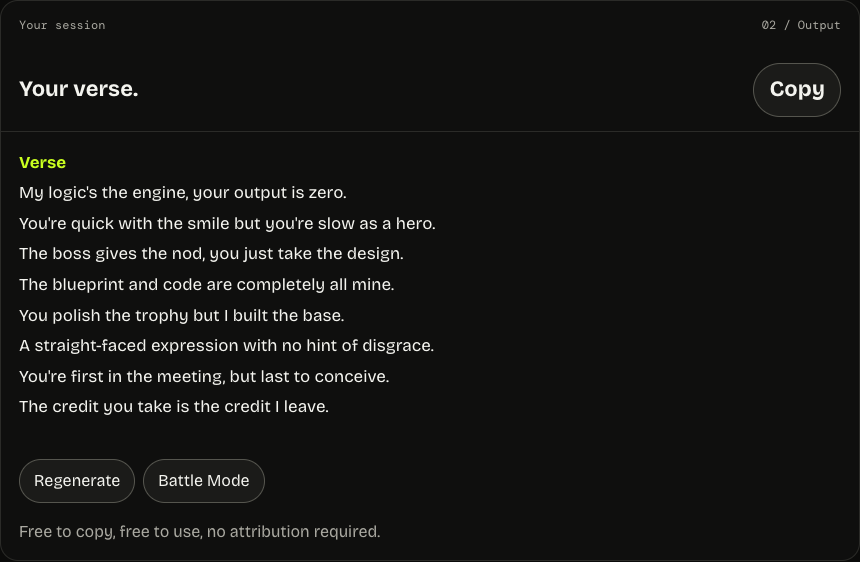
- Copy the bars, or regenerate until one lands.
Choose Your Level: Playful, Spicy or Savage
Playful keeps the tone light; Spicy adds an edge; Savage allows explicit language. Your chosen style and bar count stay in place. All levels follow the same content rules. Check platform rules and local law before sharing.
Old School · 8 bars held constant.
Shared situation: a fictional coworker presented my slides as their own and left my typo in the deck.
Editorial examples written and edited to show tone and style. Generated drafts will vary.
Playful
Nice slides, nice tie, polished display,
Funny how my Tuesday became your big day.
Changed the font, gave the title a glow,
But kept my typo so the whole room would know.
I almost clapped when you called the work your own,
Even my spelling got promoted while I stayed unknown.
Next time you borrow, try a detail or two:
Fix the typo first, then add my name there too.
A recognizable incident, a light joke and a teasing finish.
Spicy
You took my deck upstairs and called it your creation,
Changed the cover, kept the typo—bold interpretation.
Said you built it from the ground, but left a clue behind:
My typo in the headline and my notes on slide nine.
You copied every bullet, every chart down to the line,
But every answer that they're asking for is mine.
Now the boss wants the thinking that the pictures didn't show,
You brought forty polished slides and nowhere left to go.
The verse presses on the contradiction between claiming and explaining the work.
Savage / Explicit
You stole the whole damn deck, then practiced the introduction,
Swapped my name for yours and called it your production.
Kept the typo like a fingerprint you never thought to wipe,
All that borrowed confidence collapsed at the first "why."
Now they're asking why the numbers on the last chart disagree,
Funny how your "own research" needs an answer out of me.
You wanted all the credit? Keep the spotlight. Take your time.
Next slide's blank—build something without tracing mine.
A harder accusation and a sharper closing challenge, under the same content rules.
Pick Your Style
Boom Bap Diss
Boom bap gives a diss room for a clear setup and a punchline. Describe one frustrating moment, such as someone taking credit for your idea, then look for a detail that makes the response specific. Place the strongest contrast near the end of a bar and test whether the next rhyme supports it. Keep the relationship descriptive and leave real names and private facts out.
Trap Diss
Trap can give a pointed phrase room to repeat and land. Choose one incident rather than trying to fit an entire history into the prompt, and pick the level that suits your audience. In the draft, notice which short phrase carries the response. Try a pause before it or remove extra words around it so the punchline has room in your cadence.
Drill Diss
Drill can suit a direct delivery and a focused situation. Say what happened, use a descriptive relationship, and choose a level without adding private information. Look for the stressed words in each bar and decide where a sharper pause would help the response land. Stronger language does not change the content rules: threats, identifying real people, and private information are still off limits.
Old School Diss
Old school diss writing can build a simple story toward a punchline. Give the generator an action to respond to, then follow the setup through to its payoff. Notice whether the last words connect naturally or only rhyme on paper. Swap a forced ending for a clearer image, and keep the line that makes the situation recognizable without identifying anyone.
Freestyle Diss
Freestyle is useful for a loose first pass at a response. Describe a relationship and a specific action, then choose a short length if you want a compact round. Look for an unexpected phrase that could become a setup or callback, and rewrite the surrounding lines in your own voice. After a first verse, Battle Mode can provide another draft to respond to.
Why These Diss Lyrics Rhyme
The diss track generator asks for lines shaped by your selected style and length. Listen for end rhymes and rhythm as you read. Regenerate a draft or edit individual lines when a rhyme needs work. Try saying the last word of each bar on the beat, then listen for where a pause changes the punchline. The diss track generator gives you a draft to revise, not a guarantee that every rhyme will fit your cadence. Replace a forced end word or shorten a crowded line.
A Diss Track Maker vs a Diss Track Generator
A diss track maker and a generator describe the same kind of tool: both turn a situation into a text draft you can shape yourself.
Have a story?
Start with the incident that gives your verse its point. Say what happened, choose a descriptive relationship, and pick the style and level that fit your delivery.
Starting with an idea?
Begin with a fictional or descriptive relationship, then add one specific action or moment. The tool needs both details; a name alone is not enough and identifying real people is not allowed.
Diss Track Examples: One Incident, Three Styles
ONE INCIDENT · THREE FLOWSSpicy · 4 bars each.
Shared situation: a fictional coworker presented my slides as their own and left my typo in the deck.
Editorial examples written and edited to show tone and style. Generated drafts will vary.
Old School
You took my deck upstairs and called it your creation,
Changed the cover, kept the typo—bold interpretation.
Said you built it from the ground, but left a clue behind:
My typo in the headline and my notes on slide nine.
Trap
New name, same deck, same mistake,
Big claim, small change, copy-paste.
Boss said "why?"—then your voice went flat,
One "why?" and the whole act breaks.
Drill
Walked in with my work tucked under your sleeve,
Talked like the whole room had reason to believe.
One typo stayed where you thought it was clean,
Now explain that chart without looking at me.
FAQ
Is this diss track generator free?
Yes. Generate and copy bars for free without signing up, subject to usage limits. Describe a situation, choose your settings, and generate a draft on this page. You can copy the text into your own writing process and revise it before sharing.
How do I make a diss track about someone?
Describe the situation and what happened, then choose a style and level. A specific detail gives the verse something to respond to. Avoid identifying real people or sharing private information. Read the draft aloud and change any line that does not fit your voice.
Can I make a diss track with cuss words?
Yes. Savage allows stronger language. The selected style and bar count remain in place, and the same content rules still apply. Choose the level that fits your audience, then read the result and revise the wording before you perform or share it.
What's the difference between a diss track maker and a diss track generator?
They describe the same kind of tool. Give it a descriptive relationship and a specific incident, then choose a style, level and length. The output is a text draft you can copy and edit; it does not include a recorded song or beat.
Do the diss lyrics come with a beat?
No — the bars come as text. Copy them and record over a beat you have the rights to use. Read the result aloud with your chosen rhythm and edit the wording or pauses so the bars fit the way you want to perform them.
Can it write rap battle bars?
Yes. Choose Freestyle and 8 bars for a short round. Use Battle Mode after generating a verse to create a response. Read both drafts aloud, edit the lines that do not fit your delivery, and keep the situation descriptive rather than identifying real people.
Can I use these lyrics against a real person?
Use a descriptive relationship and focus on behavior, not private facts. Requests identifying real people, threats, hateful content or private information are not allowed. Check your platform rules before sharing, and consider how a public audience may interpret a line taken out of context.
How long should a diss track be?
Choose 8 bars for a short round, 16 bars for a full verse, or Full track lyrics for two 12-bar verses and a four-line hook. The performance time depends on your delivery, so read the result aloud and adjust the phrasing before you record it.